01
Client portals and intranets
Give customers or staff one place to find information, submit requests and follow progress. Agree who can see and change each part.
For example: a client status page or a shared staff information hub.
We build portals, dashboards, automation and integrations for New Zealand businesses. Bring the spreadsheets, handovers and disconnected tools that are making everyday work harder.
Illustrative workflow
01
Collect the request and the information needed to act.
02
Flag missing information for a person to resolve.
03
Make responsibility and the next action visible.
04
Show progress and the work that needs attention.
An example of how a shared workflow could work. Your system should reflect your people, permissions and decisions.
What we can build
A focused improvement might connect tools you already use, replace a fragile spreadsheet or give your team a shared view of the work.
01
Give customers or staff one place to find information, submit requests and follow progress. Agree who can see and change each part.
For example: a client status page or a shared staff information hub.
02
Bring the information behind a decision into one useful view. Start with the questions your team needs to answer and check the data behind them.
For example: work awaiting approval, commission records or operational reporting.
03
Reduce repeated entry and manual handovers. Make ownership, checks and exceptions explicit, with people involved where judgement is needed.
For example: an enquiry moving from intake through review to an assigned owner.
04
Connect existing systems where their access and APIs allow it. Check data quality, permissions and failure handling before relying on the connection.
For example: sharing customer details between a CRM and another business tool.
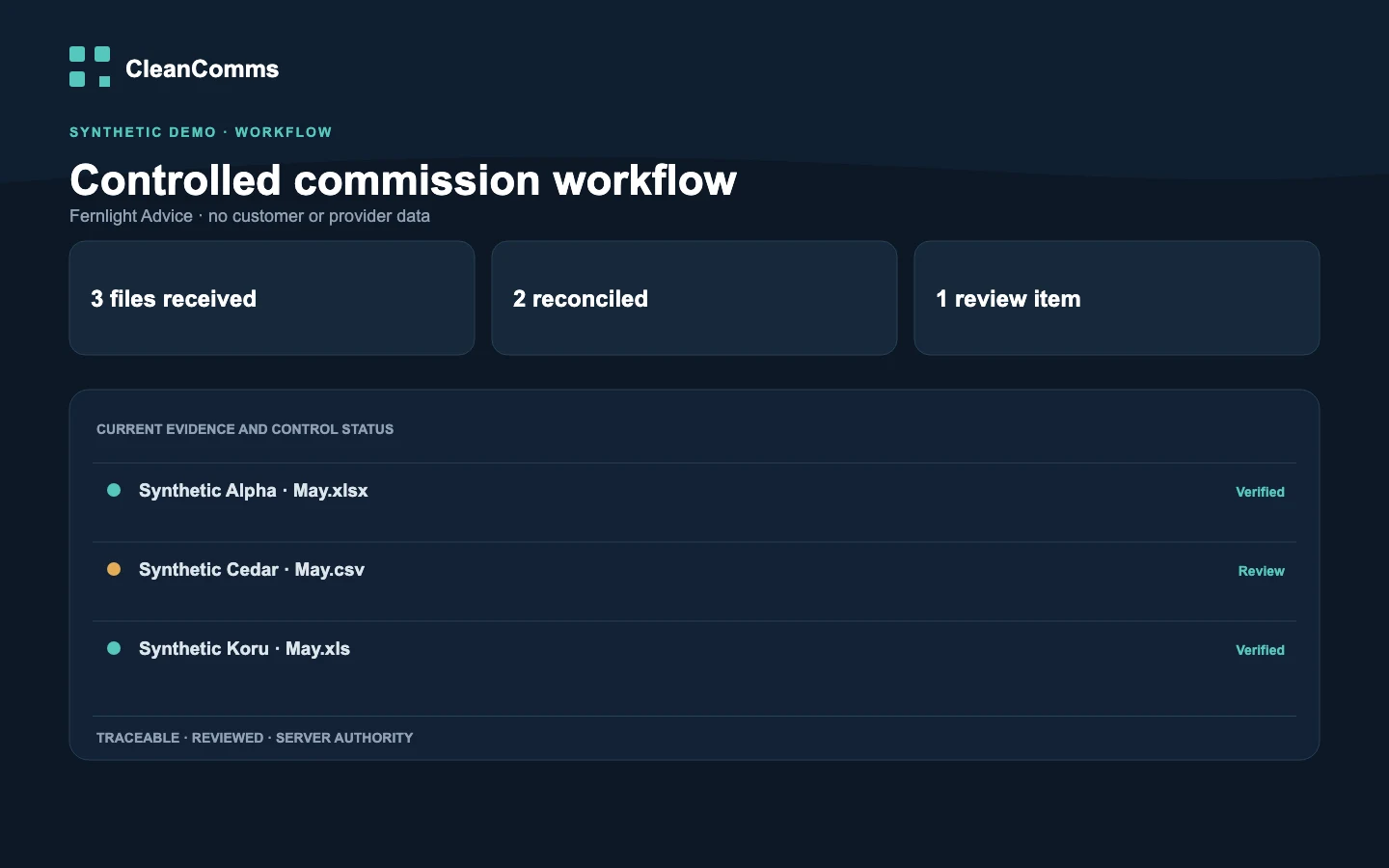
Illustrative CleanComms workflow using synthetic data.
Business app / product development
We built CleanComms around commission data cleanup, payment checks and reconciliation. Its product website explains the workflow and shows an example workspace using synthetic data.
Access is by approval. Provider connections are not yet publicly available. See CleanComms for current availability.
From problem to working system
Start with the people doing the work, the information they need and the task that needs to improve. We scope the build around that first useful change.
Agree the workflow, user roles, integrations, data and acceptance checks, with a quote and delivery plan.
Review the work as it takes shape. Check agreed behaviour, permissions and what happens when information is missing or an integration fails.
Agree migration, training, account access and handover. Infrastructure, maintenance and further development are scoped separately.
Not sure what needs changing?
Work through the problem and compare your options before commissioning a build. You can use the resulting plan with your own team or a delivery partner. If your brief is already clear, talk to us directly about the project.
Next step
Tell us what happens today, who is involved and what you would like to make easier. You do not need a technical specification to start.