
Data Visualisation
Business Intelligence
Building Your First Business Dashboard: A Non-Technical Guide
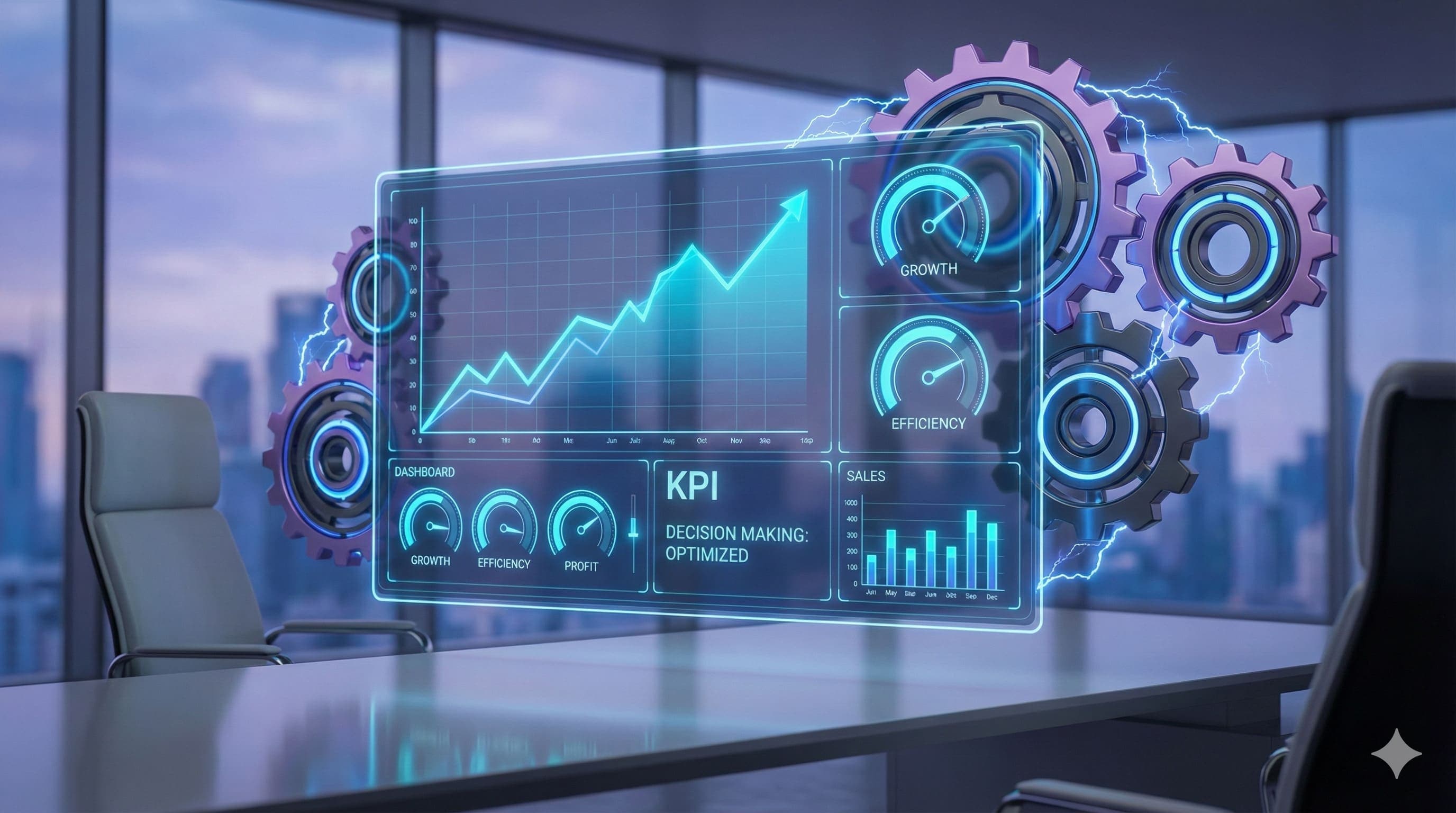
Build effective business dashboards without technical expertise. Focus on 3-5 key metrics and create early warning systems for better decisions.
Discuss your reporting requirements, users and existing tools so we can define a useful website or web app scope. Discuss your website or app.
Key takeaways
- A dashboard is just a visual summary of information you need, like your car's instrument panel for your business
- Start with 3-5 metrics maximum; if you can't understand it in 30 seconds, it's too complicated
- Focus on dial-movers: numbers that, if improved by 20%, would meaningfully improve your business
- Include early warning indicators like ageing invoices, pipeline health, and customer churn
- Different roles need different dashboards, because not everyone needs to see everything
Business dashboards sound more impressive than they are. At its core, a dashboard is a visual summary of the information you need to run the business without constantly opening Xero, spreadsheets, your CRM, and three inboxes just to work out whether today is going well.
The challenge isn't technical. Modern tools make creating dashboards straightforward, even if you're not particularly tech-savvy. The real challenge is deciding what should be on your dashboard in the first place. Put too much on there and it becomes overwhelming. Too little and it's not useful. Get it right, though, and you have a tool that helps you make better decisions every single day.
What You Need to Know at a Glance #
Start by thinking about the questions you ask yourself regularly about your business. Not the detailed analysis questions, but the quick health checks. For most businesses, these fall into a few categories: financial health, operational performance, customer activity, and team productivity.
Financial health is usually the first concern. You need to know whether money is coming in faster than it's going out. This might be as simple as current bank balance, outstanding invoices, and bills due in the next 30 days.
The "at a glance" test is useful here. If you can look at your dashboard for 30 seconds and get a reasonable sense of how your business is doing, you've got it right. If you need to study it for 10 minutes to understand what's going on, it's too complicated.
Good dashboard design usually comes back to the same idea: monitoring at a glance. That is a useful standard for small businesses. If the screen makes you analyse before you understand, it is not really a dashboard yet. It is a report pretending to be one.
Numbers That Move the Dial #
Not all metrics are created equal. Some numbers are interesting to know, whilst others actually drive your business forward. The ones that matter most are usually called Key Performance Indicators (KPIs), though you don't need to get hung up on terminology. What matters is identifying the three to five numbers that, if they improve, genuinely move your business forward.
For many businesses, revenue is an obvious dial-mover. But revenue alone doesn't tell the whole story. Revenue from new customers versus repeat customers might be more useful because it tells you whether you're growing your base or just keeping existing customers happy. Both are important, but they require different strategies.
The test for whether something is a dial-mover is simple: if this number improved by 20%, would your business be meaningfully better? If yes, it belongs on your dashboard. If not, it might be interesting but it's not a priority metric. For help quantifying the potential value of improvements, use our ROI calculator to model different scenarios.
Try the Interactive Dashboard #
Explore our interactive dashboard demo to see how KPIs can be visualised. Adjust metrics and switch between different views.
Early Warning Indicators #
Beyond the numbers that show current performance, you need metrics that flag problems before they become serious. These are your early warning system, the equivalent of the "check engine" light in your car. They tell you something needs attention before it becomes a breakdown.
For a service business, that might mean ageing invoices, pipeline health, customer churn, team utilisation, or error rates. None of those metrics are glamorous. That is why they are useful. They tell you about cash flow, future revenue, delivery capacity, and customer satisfaction before the problem arrives fully formed on your desk.
Who Should See What Information #
Not everyone in your business needs to see the same dashboard. In fact, showing everyone everything often creates more confusion than clarity. Different roles need different information to do their jobs effectively.
As the owner or senior manager, you probably need the most comprehensive view. Department managers need visibility on metrics they can actually influence. Individual contributors benefit from a simplified view showing their performance against goals.
This is also a security and morale point, not just a design point. A staff member responsible for following up unpaid invoices may need to see debtor ageing. They probably do not need the full bank balance, payroll position, or every client's revenue history. Better dashboards are usually narrower dashboards.
Getting Started Without Getting Overwhelmed #
Building your first dashboard doesn't require expensive software or technical expertise. Start simple. A spreadsheet can be a perfectly functional dashboard if it's updated regularly and shows the right information.
I would start with three to five metrics, update them at least weekly, and put them somewhere people actually look. After a month, remove the number nobody used and add the one everyone kept asking about. That small editing habit is what turns a dashboard from a pretty screen into part of how the business runs.
The Real Value of a Dashboard #
A good dashboard doesn't just show you numbers. It changes how you think about your business. Instead of relying on gut feel or only looking at financial data when you're preparing for your accountant, you develop a habit of checking in on the real-time health of your operation. This leads to better, faster decisions and fewer surprises.
It also creates accountability. When the numbers are visible, it's harder to avoid addressing problems. Perhaps most importantly, a dashboard helps you separate the signal from the noise.
Start simple, focus on what truly matters, and build from there. Your dashboard doesn't need to impress anyone with its sophistication. It just needs to help you run your business better.
Before building a dashboard, make sure your data is properly organised. Read our guide on sorting your data out for the foundation. Dashboards work best when they sit on top of standardised, well-automated processes . Otherwise you are just visualising chaos. For measuring the impact of process improvements, see measuring what matters.
A useful companion: Interactive Dashboard Demo.
Quick Questions
What should be on a business dashboard?
Start with quick health checks: financial health (bank balance, outstanding invoices, upcoming bills), operational performance, customer activity, and team productivity. Focus on 3-5 metrics you can understand in 30 seconds. Include early warning indicators for problems.
How do I choose which metrics to track?
Ask: if this number improved by 20%, would my business be meaningfully better? If yes, it belongs on your dashboard. Focus on dial-movers (metrics that drive the business forward) rather than vanity metrics that are interesting but don't affect decisions.
Do I need expensive software to build a dashboard?
No. A spreadsheet can be a perfectly functional dashboard if it's updated regularly and shows the right information. Start simple with 3-5 metrics, update at least weekly, and make it visible where people will actually see it.
What are early warning indicators for a dashboard?
Early warning indicators flag problems before they become serious: ageing invoices (cash flow problems), pipeline health (revenue problems months ahead), customer churn rates (future revenue issues), team utilisation (capacity problems), and error rates (customer satisfaction problems).
Other articles worth reading
Data Visualisation
Dashboard Design for NZ SMEs: What Should You Actually Track?
A practical guide to operational dashboards that show status, trend, target, owner, and next action instead of decorative charts.
Efficiency
Measuring What Matters: How to Quantify the Success of Your Process Improvements
Track real ROI with cycle time, cost per transaction, and error rates. Use automated dashboards to transform vague 'better' into concrete data.
Business Strategy
How to Calculate the ROI of Automation
Compare realistic financial benefit with setup and ongoing costs. Released staff time is capacity, not automatically a cash saving.