
Data Visualisation
Business Intelligence
Dashboard Design for NZ SMEs: What Should You Actually Track?
A practical guide to operational dashboards that show status, trend, target, owner, and next action instead of decorative charts.
Quick answer
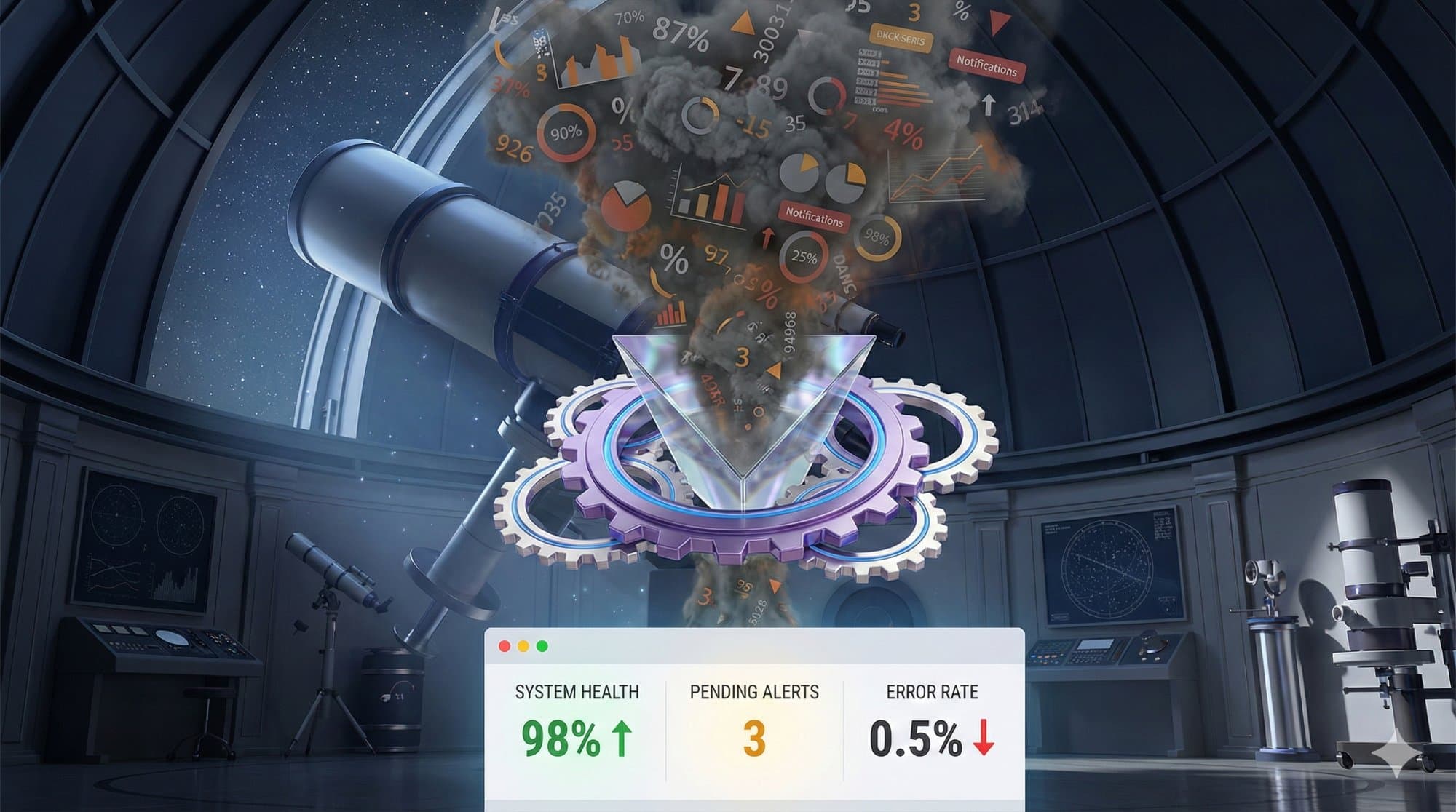
A useful SME dashboard should show the few metrics that change decisions: current status, trend, target, owner, and next action. If a chart does not help someone decide what to do next, it probably belongs in a report, not the main dashboard.
- Track decisions, not decoration.
- Show owner and next action.
- Keep the first dashboard narrow.
Discuss your reporting requirements, users and existing tools so we can define a useful website or web app scope. Discuss your website or app.
Key takeaways
- A dashboard should help a business owner decide what needs attention today.
- Track metrics that trigger action, not numbers that merely look impressive.
- Good dashboards combine current status, trend, target, owner, and next action.
- Operational dashboards are most useful when data is pulled from source systems automatically.
- Start with one workflow before trying to build a company-wide command centre.
A dashboard is not a wall of charts. It is a decision surface. For a New Zealand small or medium business, the best dashboard is usually the one that shows what needs attention today.
The mistake many businesses make is starting with the data they already have. Website visits, invoices, jobs, tickets, quotes, stock, staff hours, and customer messages all produce numbers. That does not mean they all belong on the same screen.
Start with the decision. What do you need to notice sooner? What keeps surprising you? What does the team chase manually? What only becomes visible after it has already cost money?
Use The "So What?" Test #
Before adding a metric, ask this: if the number changes, what will we do differently?
If the answer is nothing, the number probably does not belong on the dashboard. It might be interesting. It might belong in a report. But it is not an operational signal.
Useful dashboard metrics usually trigger action:
- quotes waiting for approval
- jobs overdue or at risk
- leads not contacted within the target time
- aged debtors beyond a threshold
- support tickets waiting too long
- stock, parts, or equipment below a safe level
- compliance tasks due soon
This is where dashboards connect directly to automation. If the dashboard shows a problem but nobody is prompted to act, the business is still relying on someone remembering to check it.
Show Status, Trend, Target, Owner, And Action #
A lonely number is rarely enough. "27 open jobs" might be fine, terrible, or meaningless depending on the business.
A better dashboard shows the number with context:
- Status: is this healthy, drifting, or urgent?
- Trend: is it getting better or worse?
- Target: what should it be?
- Owner: who is responsible?
- Action: what happens next?
That last item is the most important. If the dashboard cannot suggest a next action, it may only be a prettier spreadsheet.
Pick The Right Dashboard For The Job #
Not every dashboard is for the owner. A useful business may need several smaller dashboards rather than one giant screen.
An owner dashboard might show cash, quotes, delivery risk, sales pipeline, and customer issues. An operations dashboard might show open jobs, blocked tasks, staff capacity, and overdue handovers. A finance dashboard might show debtors, billing status, missing information, and margin. A client service dashboard might show response times, open tickets, and renewal dates.
The dashboard should match the decision-maker. A team member does not need the owner's entire view. They need the part of the system that helps them act.
Automate The Data Feed Where Possible #
Manual dashboards are useful for testing an idea. They are usually bad as a permanent system.
If someone has to export three spreadsheets every Friday, paste them together, fix the columns, and update the chart, you have not solved the reporting problem. You have moved it.
A better dashboard pulls data from source systems where possible: accounting, CRM, job management, website forms, support tools, stock systems, spreadsheets, or a custom database. Business.govt.nz has a useful overview of digital tools and resources for small businesses, including practical prompts around data and digital systems.
If your systems do not talk to each other, the dashboard project may need to start with the integration problem. The article on disconnected software subscriptions explains that pattern.
Start With One Operational View #
The best first dashboard is usually not a complete business command centre. It is one operational view that removes a recurring blind spot.
Examples:
- a job risk dashboard for a trades or service business
- a quote follow-up dashboard for sales
- a debtor dashboard for finance
- a maintenance dashboard for property management
- a client onboarding dashboard for professional services
- a compliance deadline dashboard for regulated work
Once that view is useful, expand. Add another workflow. Add better alerts. Add more context. Connect more systems. Do not build the spaceship first.
Dashboard Design Checklist #
- Can the user understand the main issue in five seconds?
- Does every metric trigger a decision or action?
- Is there a target, trend, or comparison?
- Is it obvious who owns the next step?
- Is the data current enough to act on?
- Are exceptions highlighted instead of buried?
- Can the dashboard be trusted without manual spreadsheet surgery?
For a beginner-friendly build path, read building your first business dashboard. For choosing the right metrics after a process change, read measuring what matters.
A useful companion: Interactive Dashboard Demo.
Quick Questions
What should a small business dashboard track?
Track the numbers that change decisions: open quotes, overdue jobs, aged debtors, work in progress, lead response time, support backlog, utilisation, margin, and any compliance or service deadlines that create risk.
What makes a dashboard useful?
A useful dashboard shows status, context, ownership, and action. It should make it clear what is healthy, what is drifting, who owns the next step, and what needs attention today.
Should dashboard data be entered manually?
Manual entry is fine for a prototype, but a production dashboard should pull data from source systems where possible. Otherwise the dashboard becomes another spreadsheet someone has to maintain.
Other articles worth reading
Data Visualisation
Building Your First Business Dashboard: A Non-Technical Guide
Build effective business dashboards without technical expertise. Focus on 3-5 key metrics and create early warning systems for better decisions.
Efficiency
Measuring What Matters: How to Quantify the Success of Your Process Improvements
Track real ROI with cycle time, cost per transaction, and error rates. Use automated dashboards to transform vague 'better' into concrete data.
Business Strategy
How to Calculate the ROI of Automation
Compare realistic financial benefit with setup and ongoing costs. Released staff time is capacity, not automatically a cash saving.