
Productivity
What is Inbox Zero?
Inbox Zero is a mindset and method to process, prioritise, and automate email so it no longer dominates your workday.
By Rupert GoughPublished
Key takeaways
- Inbox Zero is about processing emails, not just checking them - make quick decisions on each message
- Use email filters and rules to automatically sort messages before they even hit your inbox
- Your inbox is a communication channel, not a to-do list - turn action items into actual tasks
- Apply the two-minute rule: if an email takes under two minutes to handle, do it immediately
- Starting fresh with a full inbox? Move everything older than 30 days to a 'Not Now' folder
Inbox Zero is a productivity philosophy popularised by Merlin Mann, designed to keep your email inbox empty - or as close to empty as possible. The goal isn't perfection, but rather to avoid inbox chaos by regularly processing and clearing messages, so they no longer create anxiety or decision fatigue.
It's about reclaiming your time and attention, not just about having an empty screen.
The Method Behind Inbox Zero #
The core principles of Inbox Zero revolve around:
- Processing email, not just checking it
- Making fast decisions on each message
- Using tools and systems to keep things under control
Let's explore how you can do this, especially using technology.
Use Technology to Keep Inbox Zero #
Achieving Inbox Zero manually can be overwhelming, which is why smart use of automation is critical.
1. Create Email Rules and Filters #
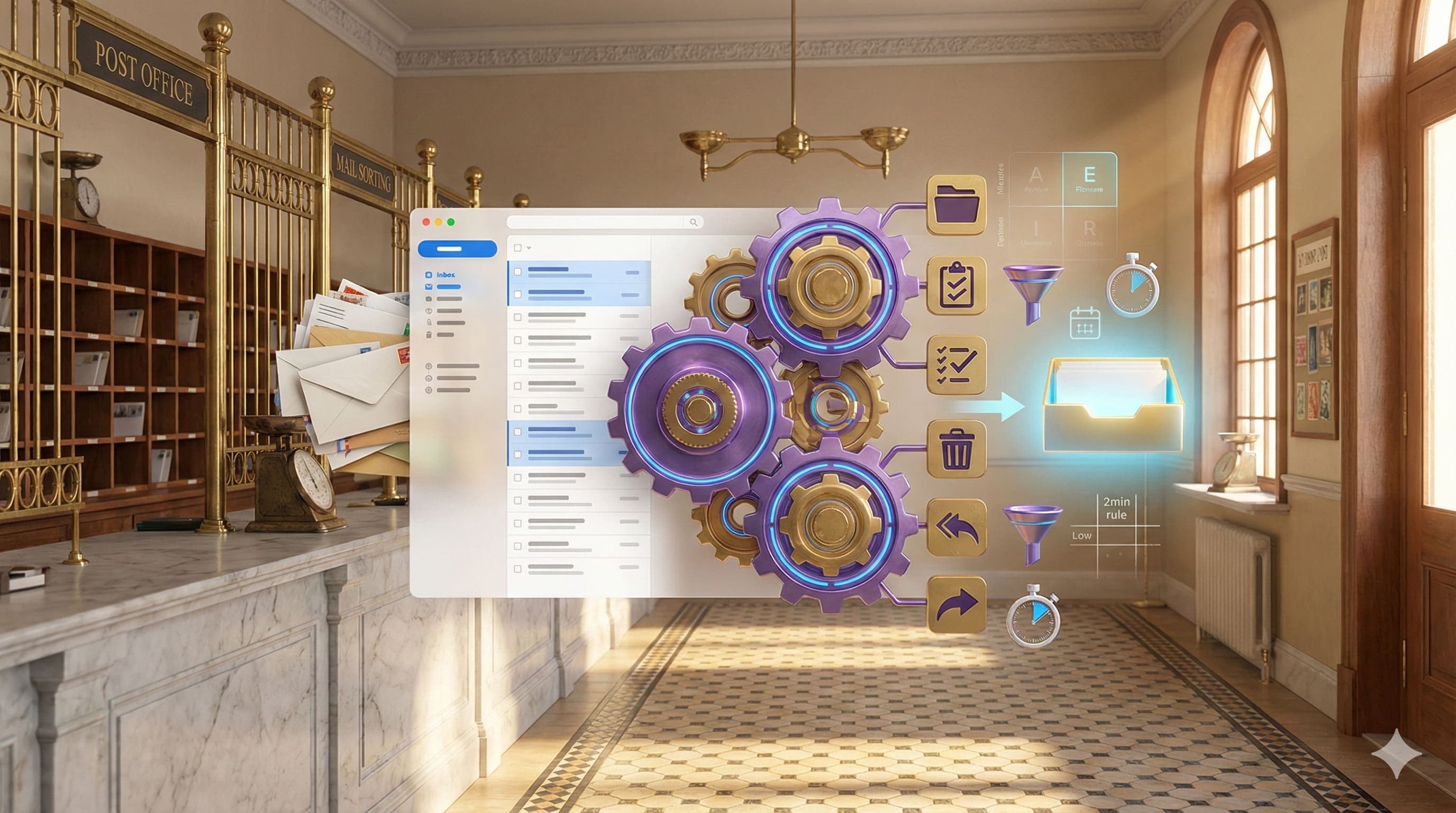
You can automate much of the sorting process by using filters in Gmail or rules in Outlook. These tools allow you to categorise, archive, or forward emails based on sender, subject line, or keywords.
Examples:
- Automatically move invoices to a "Finance" folder.
- Star all emails from your manager.
- Delete marketing emails from specific senders you no longer engage with.
How to Create Filters in Gmail
- Go to Settings > Filters and Blocked Addresses > Create New Filter.
- Choose criteria (e.g. sender, subject).
- Apply actions like labelling, archiving, or marking as read.
How to Create Rules in Outlook
- Go to the Home tab > Rules > Create Rule.
- Choose your conditions and desired actions (e.g. move to folder, mark as read).
- Give your rule a name and save it.
These small setups can save hours over a month.
2. Use the Two-Minute Rule #
If an email will take under two minutes to deal with - do it now. This technique reduces clutter and prevents simple tasks from snowballing into mental weight. Learn more about the 2-minute rule.
For emails that require more than two minutes, add them to your task list.
3. Turn Emails into Tasks #
Some emails aren't for replying - they're reminders to do something. Using a to-do list helps keep these organised.
Tool spotlight: Todoist
- In Gmail, install the Todoist browser extension to turn any email into a task.
- In Outlook, use the Todoist add-in to do the same.
- Once in your task list, assign due dates and priorities.
Now your inbox is for communication, not task management.
4. Integrate with a Task Matrix #
Combine Inbox Zero with the Eisenhower Matrix to triage quickly:
- Urgent and important → Do now.
- Important but not urgent → Schedule.
- Urgent but not important → Delegate.
- Neither → Delete or archive.
If an email doesn't support your priorities, it doesn't belong in your inbox.
Handling a Full Inbox #
Inbox Zero is harder if you're starting with hundreds (or thousands) of emails. Here's how to start clearing it:
- Use short bursts (like 25-minute Pomodoro sessions).
- Sort by oldest first - most are likely irrelevant now.
- Unsubscribe from newsletters you never read.
- Create a "Not Now" folder - move everything older than 30 days into it. This gives you a fresh start.
Is Inbox Zero Realistic? #
It depends on your role. For high-volume communicators, Inbox Zero may be more of a guideline than a rule. But even partial implementation - like filters, batching, and quick actions - can dramatically reduce stress.
You don't have to be perfect; you just have to be consistent.
Could AI Help? #
Yes, increasingly so. Emerging AI email assistants can summarise long threads, prioritise messages, and even auto-reply to routine emails. Some enterprise tools now scan your inbox and triage messages into action categories automatically.
If you're managing large volumes of communication daily, this kind of automation could be the difference between firefighting and focused work.
Don't Let Your Inbox Be Your To-Do List #
The most important takeaway: your inbox is not a to-do list. It's a communication channel. By processing, filtering, and automating, you reclaim control - and your inbox becomes a tool, not a burden.
A useful companion: Automation ROI Calculator.
Quick Questions
What is Inbox Zero?
Inbox Zero is a productivity philosophy popularised by Merlin Mann that aims to keep your email inbox empty or close to empty. The goal isn't perfection, but regularly processing and clearing messages to avoid inbox chaos and reduce anxiety and decision fatigue.
How do I achieve Inbox Zero?
Process emails by making quick decisions: delete, archive, respond (if under 2 minutes), delegate, or defer to your task list. Use email filters to auto-sort messages, and treat your inbox as a communication channel rather than a to-do list. Consistency matters more than perfection.
Is Inbox Zero realistic for high-volume email?
For high-volume communicators, Inbox Zero may be more of a guideline than a strict rule. However, even partial implementation - using filters, batching email processing, and quick actions - can dramatically reduce stress and improve focus.
Can AI help with Inbox Zero?
Yes, increasingly so. AI email assistants can summarise long threads, prioritise messages, and auto-reply to routine emails. Some enterprise tools automatically triage messages into action categories, making high-volume inbox management much more achievable.
Other articles worth reading

AI & Automation
ChatGPT for NZ Small Business: A Practical Starting Guide
Start with a low-risk drafting or summarising task, check the result and measure the benefit. Useful AI adoption depends on your work, not a promised weekly time saving.

Productivity
Easy Wins: Using Zapier to Automate Admin Tasks
Connect your apps to remove repetitive tasks and free up time. Straightforward Zapier automations for admin and business workflows.
Productivity
Using AI to Help Manage Your Inbox
AI can assist with drafting and organisation, with appropriate privacy checks and human review. It does not guarantee an empty inbox.